Overview
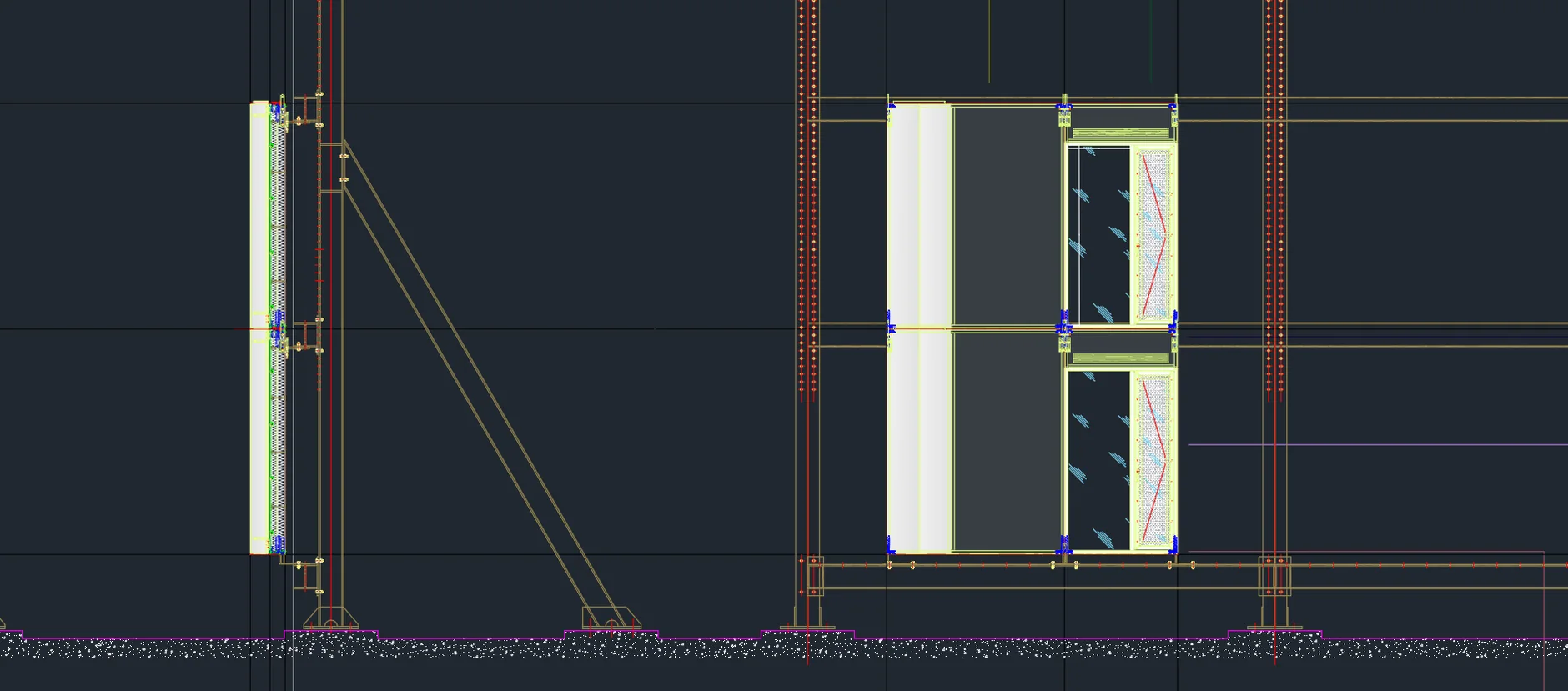
During the summer of 2024, I completed an internship with ASFD under JRL Group Facades, focusing on the facade design for the One East Side Birmingham residential tower.
The primary objective was to study and execute the integration of unitized and stick system facades and how these systems are combined, assembled (both in-shop and on-site), and mechanically attached to the building structure while keeping it in accordance with the architectural drawings and the visual mock-up (VMU) provided.
- AutoCAD
- Autodesk Inventor
Challenge
A few challenges I had to overcome presented themselves via working at the intersection of architectural aesthetics and structural detailing. Here are the steep technical hurdles I faced:
- Being able to master intricate AutoCAD geometry whilst navigating complex assemblies in Autodesk Inventor under a very tight timeframe.
- Keeping everything in accordance with architectural drawings and British Standard (BS EN) whilst learning about connection types that Inventor could only provide me (DIN EN & BS EN).
- Managing accurate Bills of Materials (BOM) within Inventor, and ensuring proper constraints for multi-component panels, steel framing systems and spatial conflicts.
Approach
In order to build the drawings in adherence with the visual mock-up and architecture drawings, I had to follow a set of organised steps that I had laid out for myself:
- Step 01
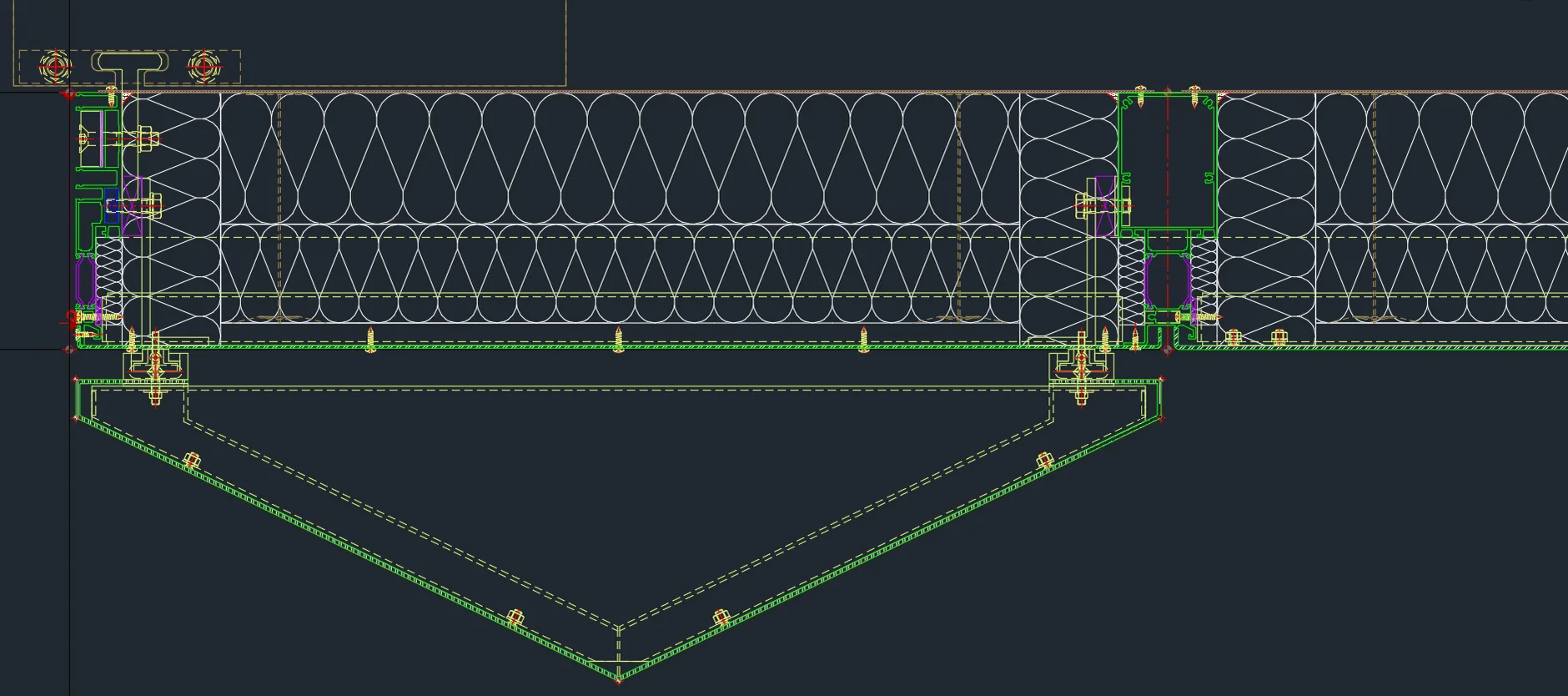
Study the cross-sections of each facade panel and connections (transoms, mullions, bolted connections etc).
- Step 02
Rapidly increase my skill level in AutoCAD and learn new commands and tricks to break down drawings.
- Step 03
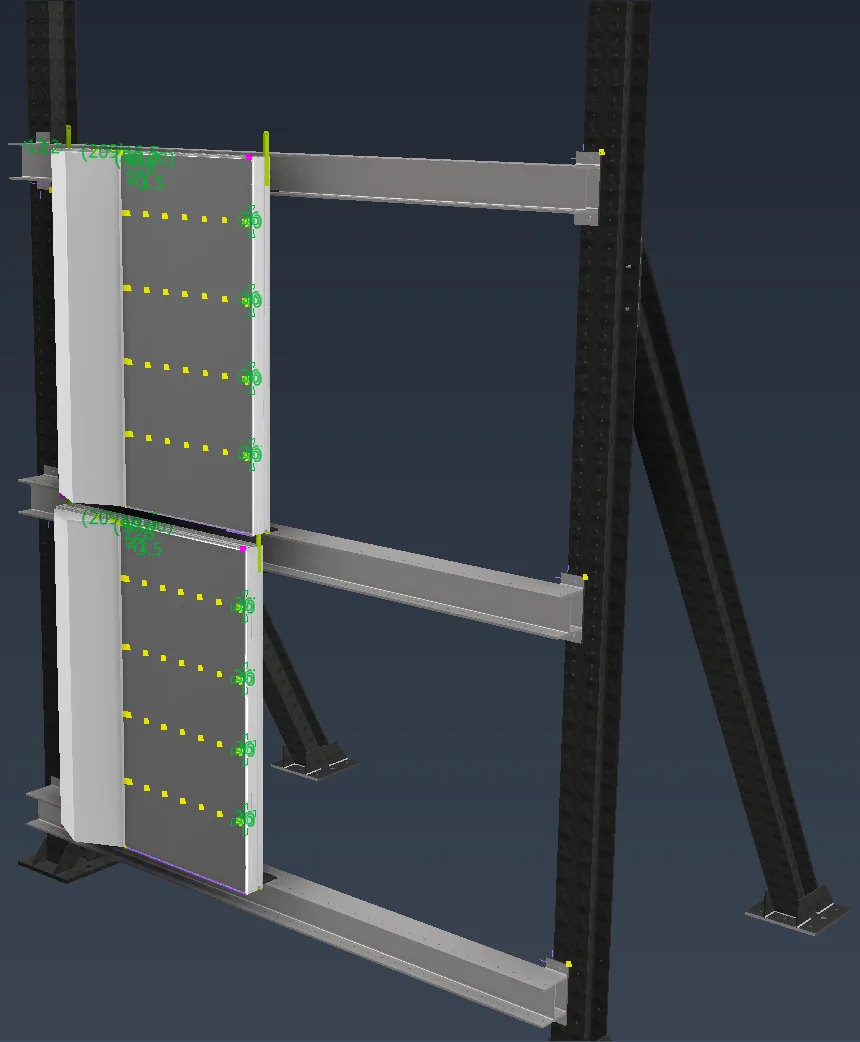
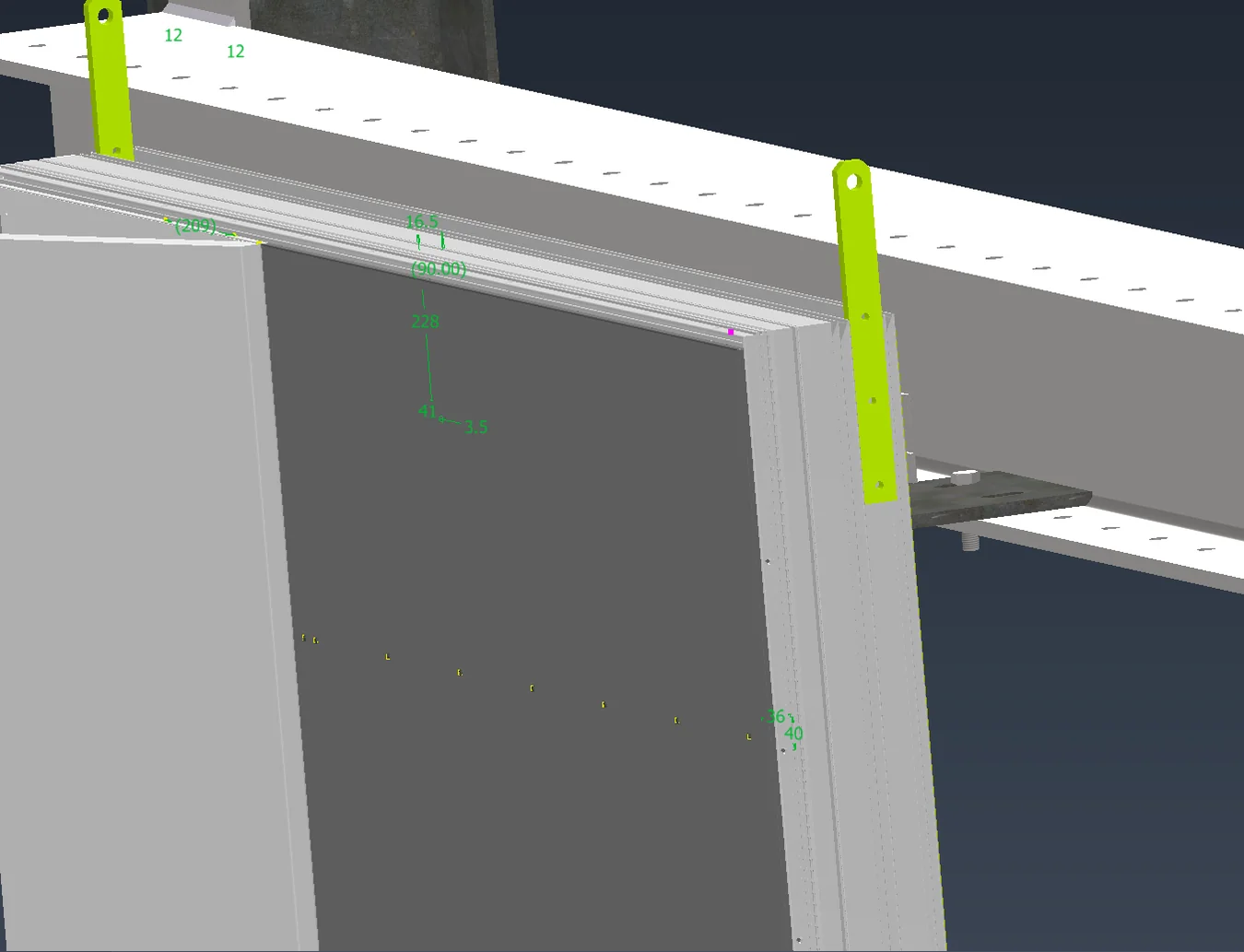
Integrate each AutoCAD drawing into Autodesk Inventor, extrude each component individually and combine them all together.
Outcome
In order to complete the task given to me by ASFD during my internship, I completed several outcomes:
- 01
Produced a complete, production-ready set of full-assembly technical drawings exported to PDF, detailing every layer of the facade construction.
See the drawings - 02
Successfully ensured a complex 3D parametric model within the architect’s Visual Mock-Up (VMU), and ensured the final engineered solution matched the intended aesthetic and criteria.